

What you can do
- Create, edit, and delete subnames under your ENS name.
- Set EVM and non-EVM addresses, profile and social text records, and a content hash.
- Index subnames by their optional owner address.
- Manage subnames in the app or automate through the SDK and API.
Configure the resolver
Set the parent ENS name to use the Namespace Hybrid Resolver. This initial setup requires an onchain transaction and gas fees. Skip this section if resolution is already configured.1
Select your parent name
Connect the wallet that owns the ENS name. In Offchain, select the name and open Resolution.
2
Update the resolver
Click Update resolver and confirm in your wallet. Skip this step if it shows Updated.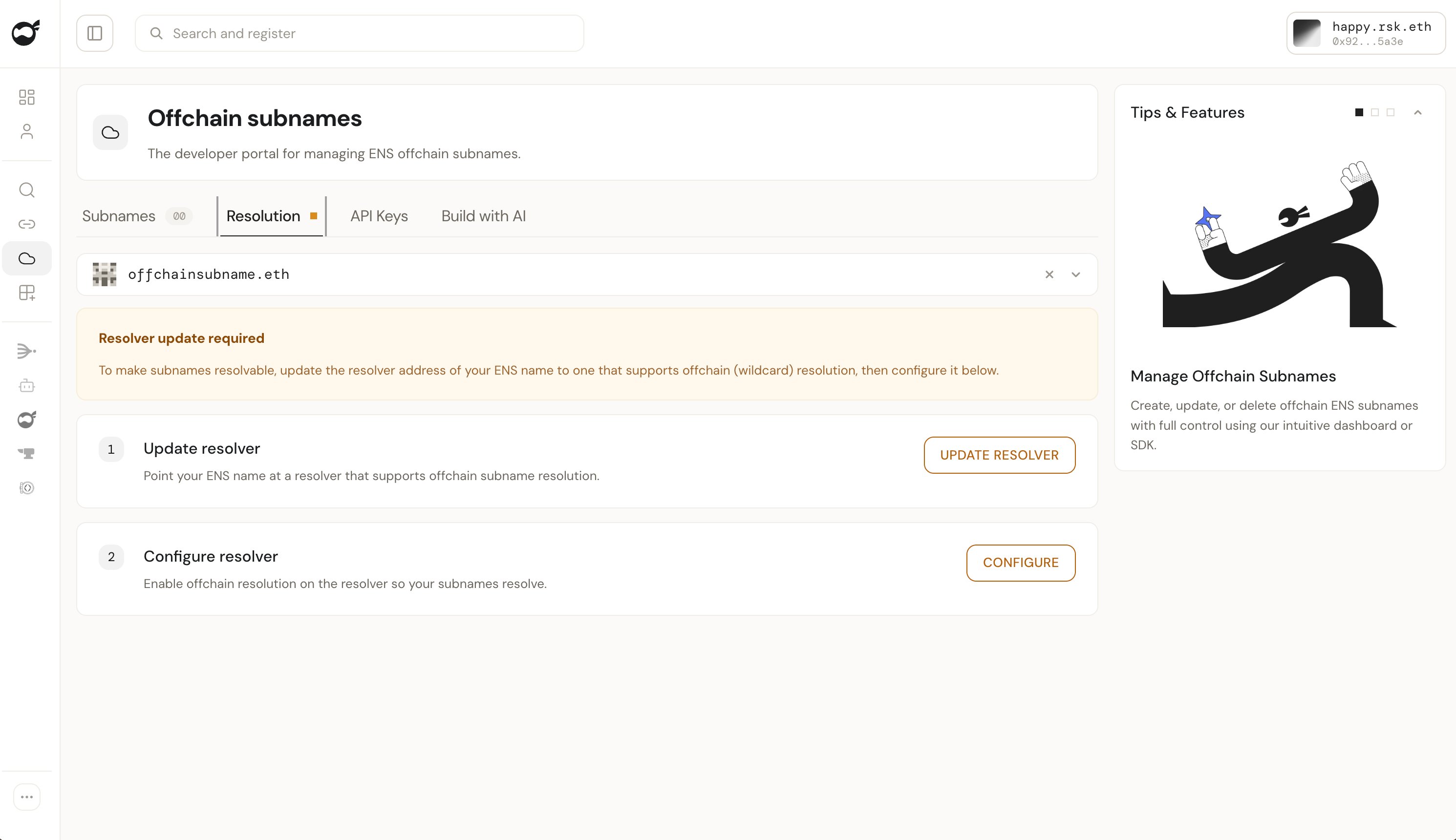
3
Configure offchain resolution
Click Configure and complete the wallet prompts. Check that the status reads Configured.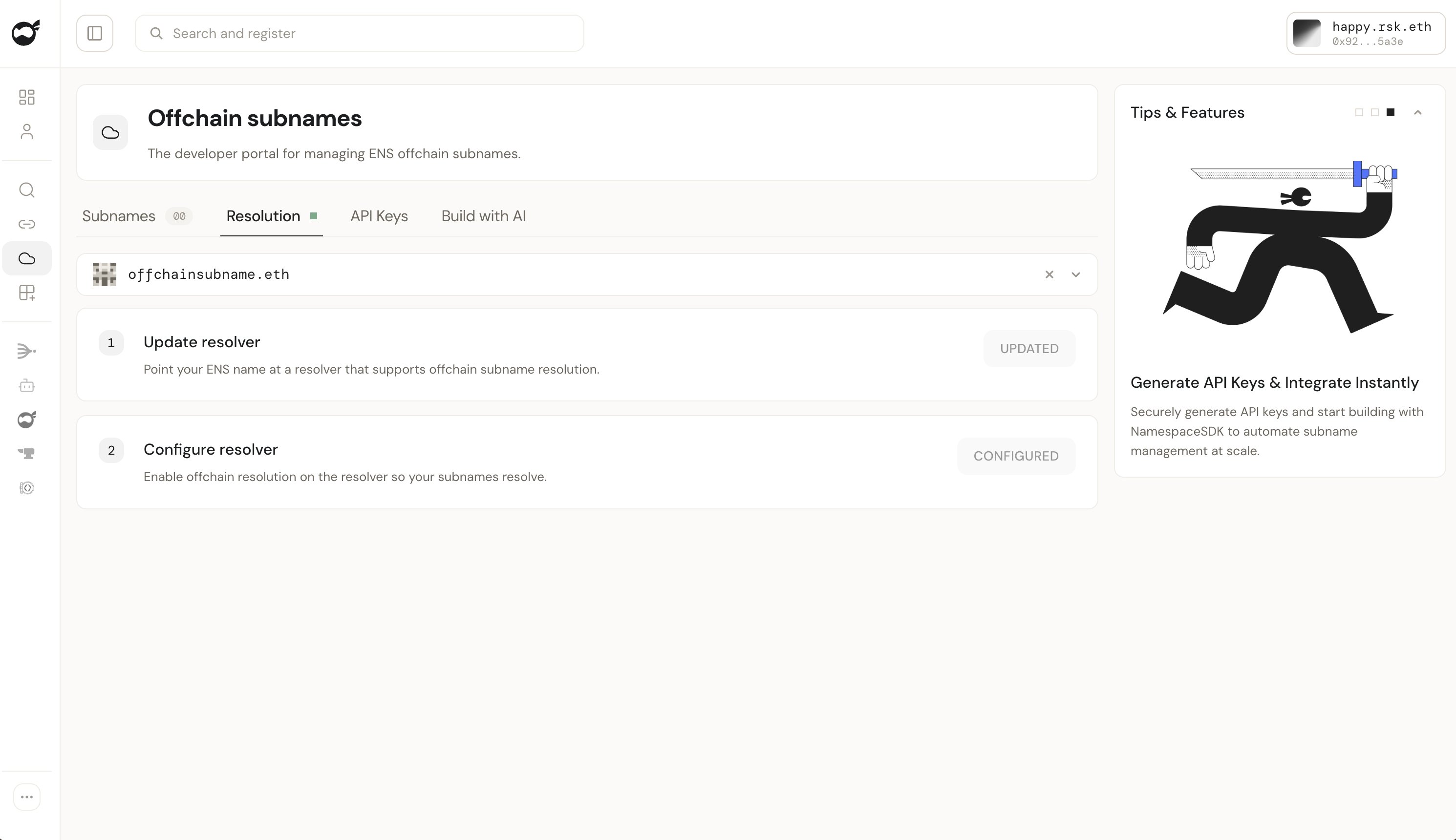
Create and manage subnames
1
Open the creation form
Select the parent name in Subnames, then click Mint subname.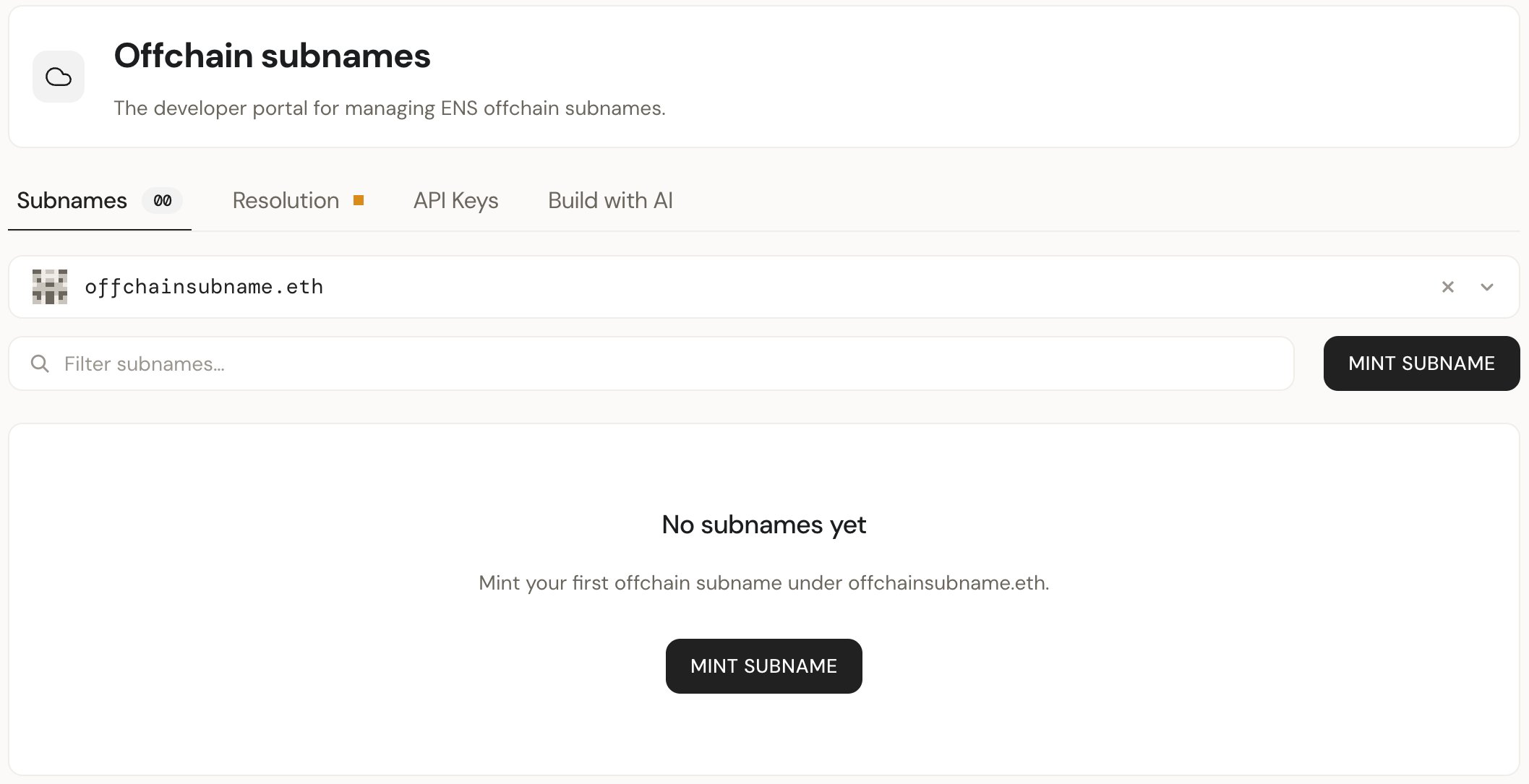
2
Create a subname
Enter a label, such as 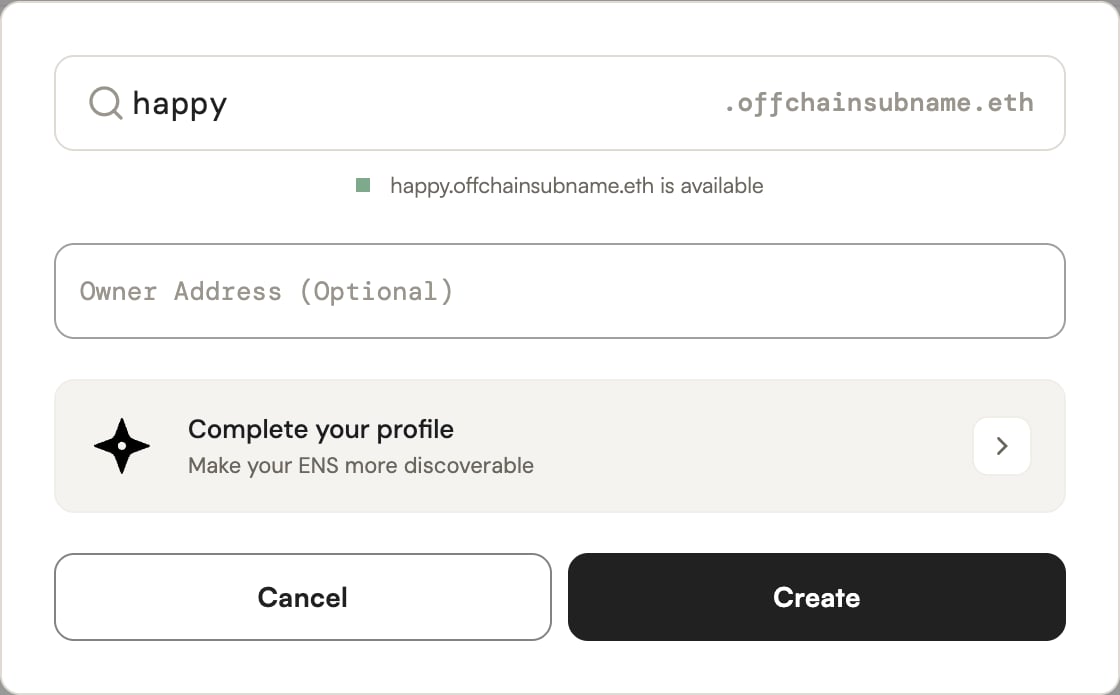
happy, and check availability.Owner Address is optional and can be used for indexing subnames by owner.Add records through Complete your profile, or add them later. Click Create.3
Edit the subname's records
Click the subname’s pencil icon. Edit its address, text, or content hash records, then click Save.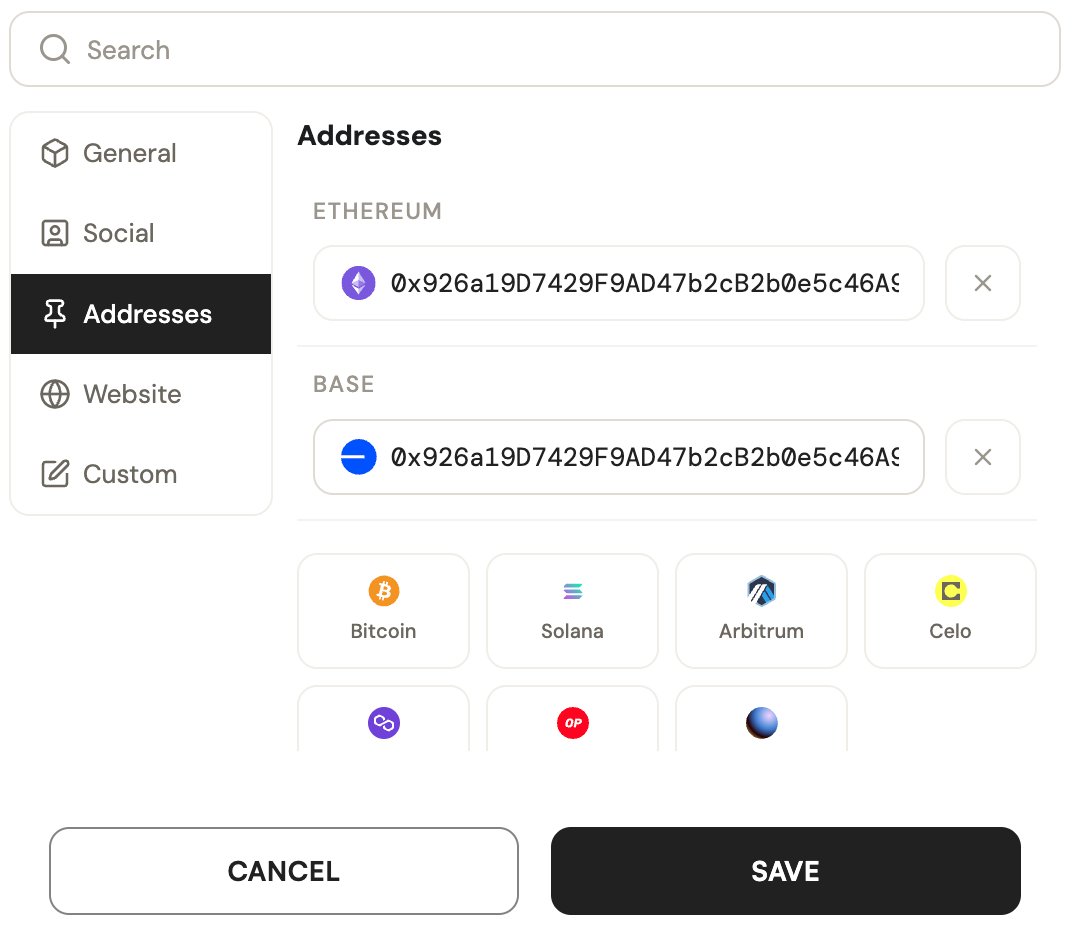
Create an API key
API keys are required for SDK and API access, not for using the app.Create an API key
Open API Keys in the Namespace App.
1
Open API Keys
Select the parent name, open API Keys, and click Create new key.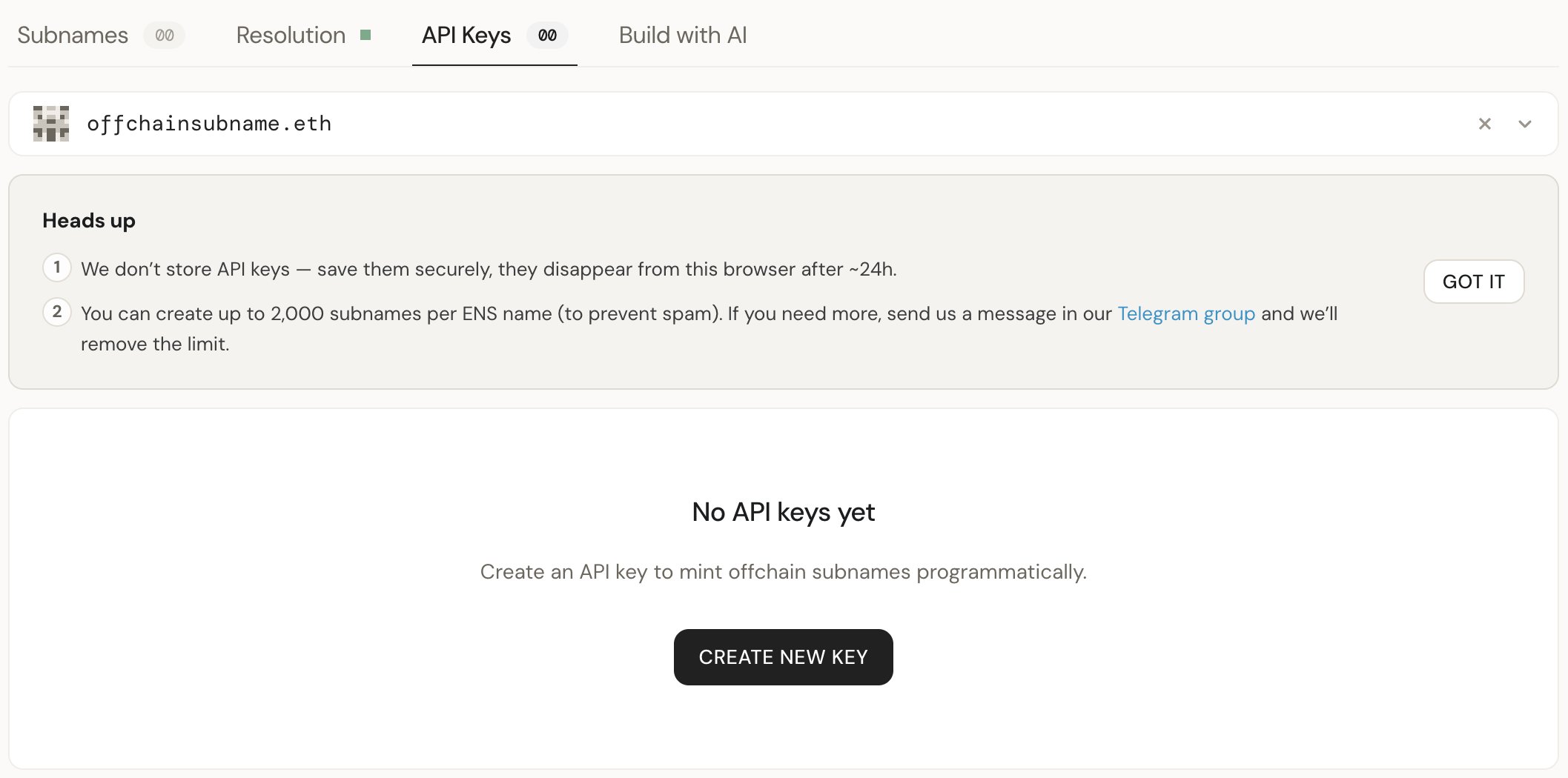
2
Set the key's expiry and scope
Enter a key name, set an expiry date, and choose a scope: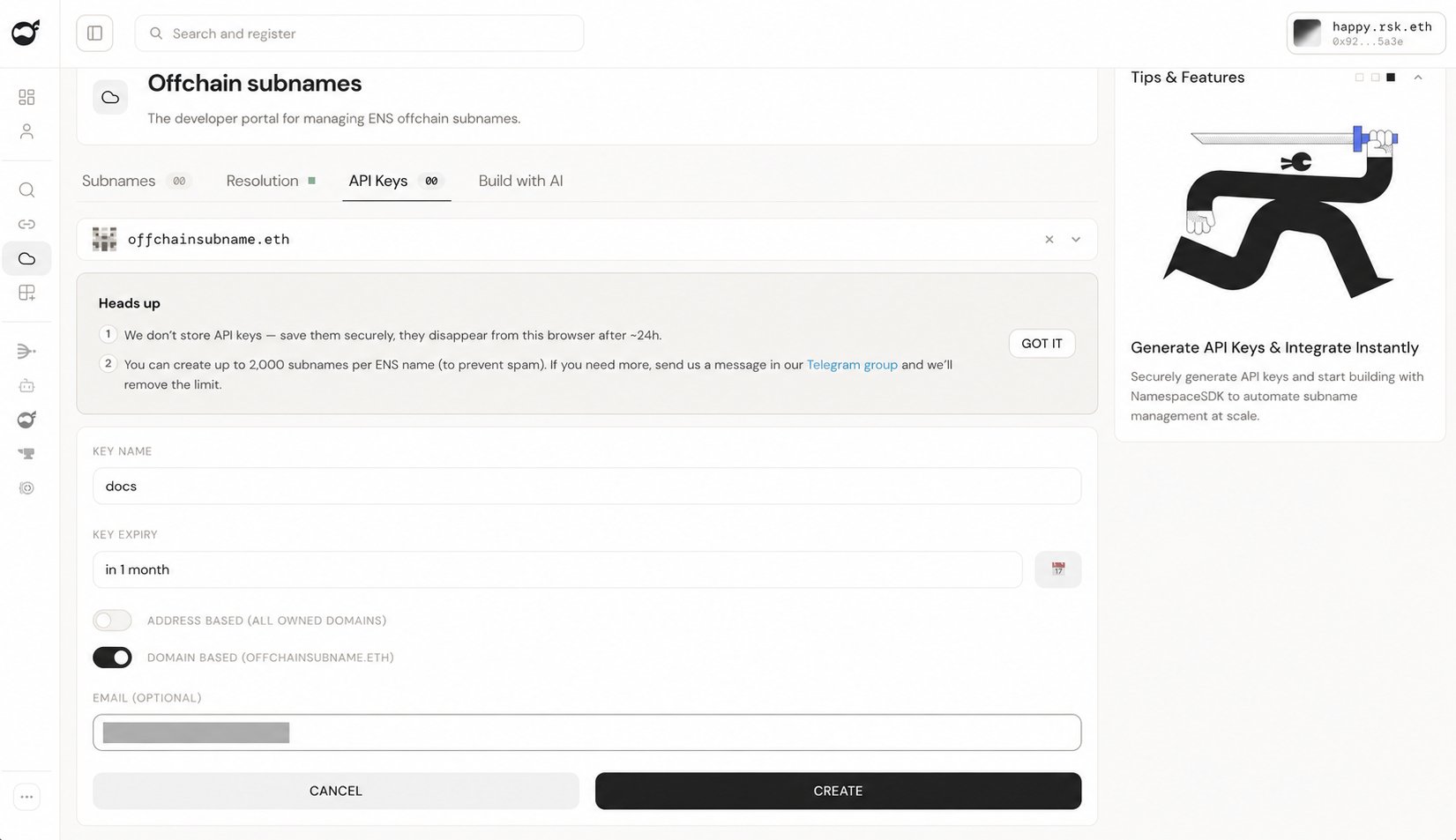
Email is optional. Click Create.
3
Copy and store the key
Store the key in a server-side environment variable or secret store. Never expose it in browser code or public repositories.Copy it before it disappears from the browser after about 24 hours. The key remains valid until its expiry date or revocation.
Limit: 2,000 subnames per parent name. For a higher limit, contact the Builders group.
Next steps
Integrate offchain subnames
Create and query subnames with the SDK.
Troubleshoot resolution
Fix name and record lookup failures.